Not everyone who runs a website is a developer. Most small business owners are designers, coaches, shop owners, or service providers who built their site using a drag-and-drop tool and figured out the rest along the way. If that sounds like you, the idea of automating your blog might feel like it belongs in a different league entirely. It doesn't. No-code blog automation has matured to the point where anyone with a browser and a business idea can set it up in an afternoon, no technical background required.
This guide is going to walk you through exactly how it works, what to expect, and how to get started without feeling overwhelmed. The goal isn't to turn you into a tech person. The goal is to get your blog running on autopilot so you can focus on everything else that actually needs you.
Why most small business owners struggle with blogging consistently
Here's the honest reality: blogging works for SEO, but it only works if you do it consistently over time. A single post here and there won't move the needle. Search engines reward websites that publish regularly, stay relevant to their niche, and cover topics their audience is actually searching for. That's a lot to ask from someone who's also managing customers, invoices, and everything else that comes with running a small business.
The usual cycle goes something like this. You commit to posting twice a month. The first couple of posts go up. Then one busy week turns into two, and before you know it, three months have passed and your blog section looks abandoned. It's not a motivation problem. It's a systems problem. And systems are exactly what automation solves.
The good news is that setting up an automated publishing system in 2026 doesn't require you to hire a developer, learn how to code, or piece together a complicated stack of tools. The platforms built for this are specifically designed with non-technical users in mind.
What no-code blog automation actually looks like in practice
When people hear the word "automation," they sometimes picture robots writing gibberish or faceless content that reads like it was generated by a machine with no understanding of their business. That's an outdated picture. Modern no-code automation tools are built around giving you control over your brand voice, your topics, and your publishing schedule, while handling the heavy lifting behind the scenes.
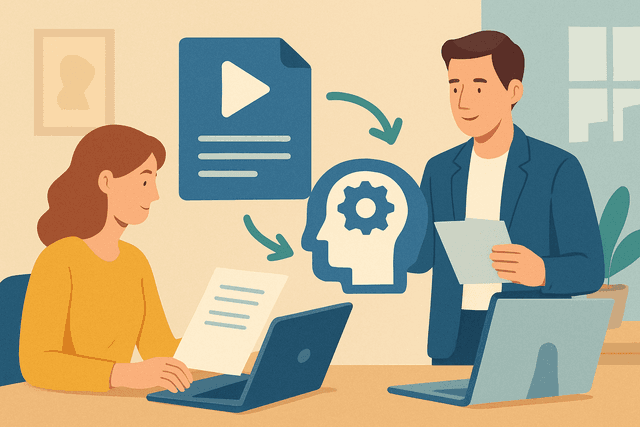
A typical easy blog setup works like this. You connect your website, tell the platform what your business does, define a few topic areas you want to be known for, and set a publishing frequency. From there, the system generates drafts, schedules posts, and publishes them according to your plan. You can review before anything goes live, or if you're confident in the setup, let it run without interruption.
The result is a blog that stays active, covers relevant search terms in your niche, and builds up your site's SEO authority over time, without requiring you to sit down and write every single post yourself. If you want to see how this process works step by step, this overview explains the full workflow in plain language.
One thing worth clarifying: automation doesn't mean zero involvement forever. The best results come when you occasionally check in, adjust your topic focus as your business evolves, and add your own perspective where it matters. But the days of starting from a blank page every single time are over.
Getting started without feeling lost
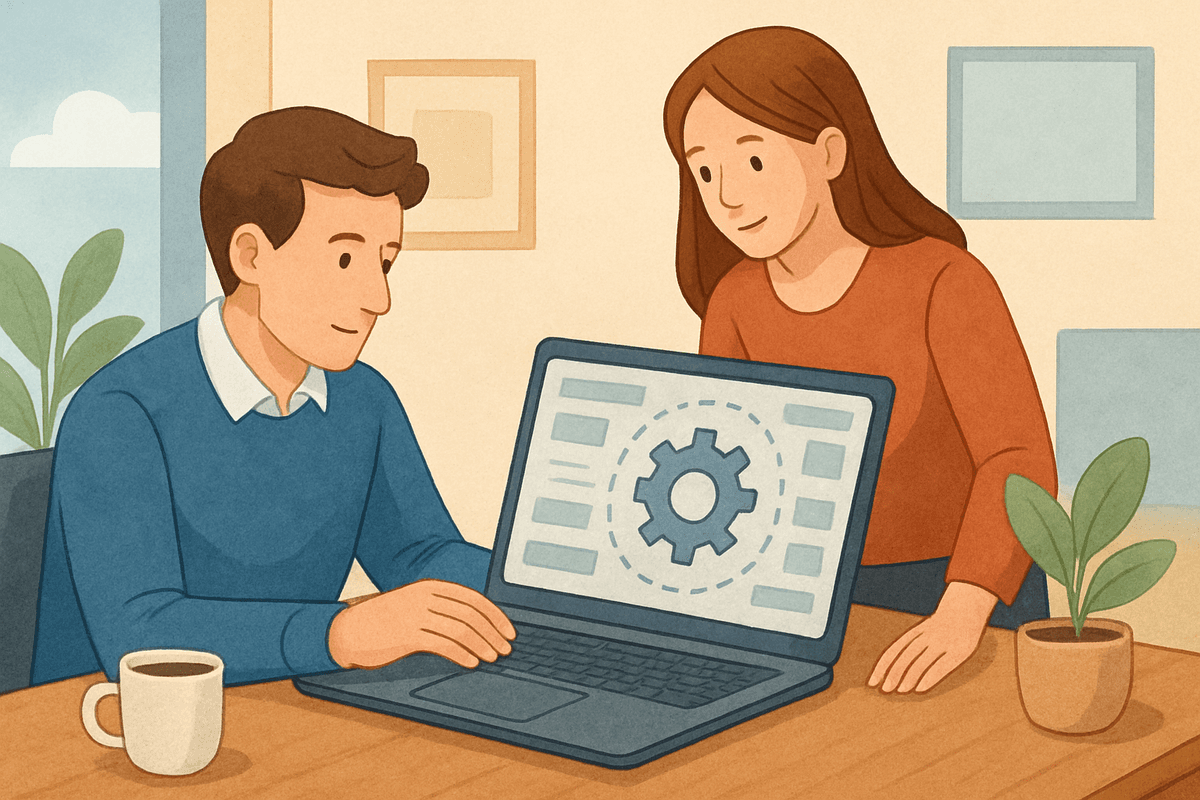
The biggest mental barrier for non-technical users isn't the tool itself. It's the assumption that setup must be complicated. In practice, most automated publishing for beginners platforms are built with guided onboarding flows that take you through every step. You don't need to understand APIs, webhooks, or anything else that sounds intimidating. You just answer a few questions about your business, and the system builds itself around your answers.
To make this concrete, here's a rough picture of what a first session looks like. You create an account. The onboarding flow asks you about your industry, your audience, and the tone you want your content to have. You might be asked to paste in your website URL so the platform can understand your existing content and branding. You choose how often you want to publish. Then you're done with setup.
After that, the platform runs in the background. Some tools will send you a notification when a new post is ready for review. Others will handle publishing entirely on your behalf once you've approved the initial settings. Either way, your blog starts moving forward without you having to manually manage each individual piece of content.
If you're ready to try this yourself, the onboarding process here is designed specifically for people who aren't technical. It asks the right questions and gets you to a working setup quickly, without assuming any prior experience.
What to realistically expect after you set things up
Automation isn't magic, and it's worth setting your expectations correctly from the start. In the first few weeks, your blog will simply look more active than it did before. That's already a win. Over the following months, as posts accumulate and search engines index them, you'll start to see organic traffic grow. SEO is a long game, and no tool changes that fundamental reality. What automation does is make sure you're actually playing the long game instead of giving up in month two because it got too time-consuming.
You should also expect to improve your setup over time. As you see which topics get more engagement and which ones feel off-brand, you'll refine your settings. That feedback loop is healthy and normal. The platform adapts with you.
The businesses that benefit most from blog automation aren't the ones with the biggest budgets or the most technical teams. They're the ones that commit to showing up consistently, let the system carry the workload, and stay focused on serving their audience well.
If you're ready to stop putting off your blog and start building something that actually works, take a look at what's possible and get started with your dashboard today. You don't need to be technical. You just need to start.