If you no longer need an article, or don’t want it to go out yet, you have two simple options. (2 steps, about 1 min)
STEP 1
To just pause it: switch to draft
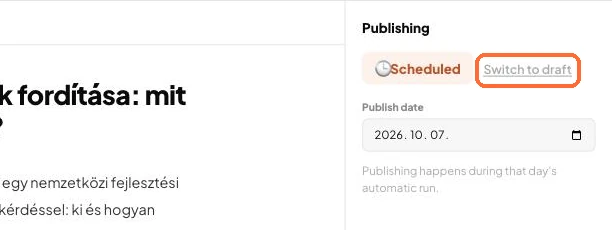
Open the article and, in the Publishing panel on the right of the editor, choose Switch to draft. The article stays, but it will not go out until you publish it.
The Switch to draft button
STEP 2
To get rid of it for good: delete
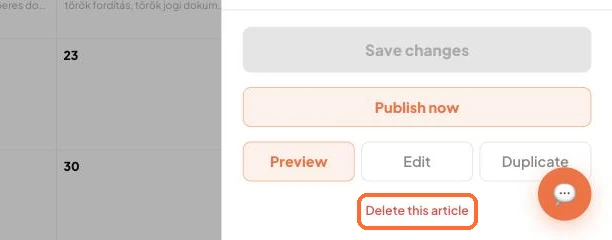
In the Calendar, click the article and, at the bottom of the Article details panel, choose Delete this article (the rows of the Articles list also have a Delete button).
The Delete this article button in the Article details panel
Good to know:
Later you can schedule it again with Switch to scheduled.
✓ Done!
Didn't work, or stuck?Ask the Blost AI assistant (bottom right corner), or write to us: info@blost.ai