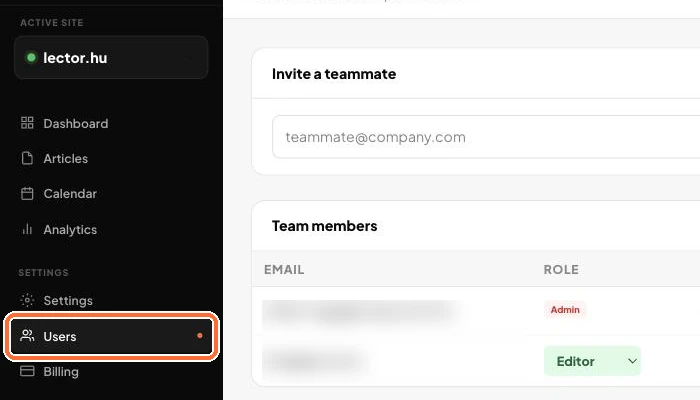
You can let in a colleague or an agency too, with the right permissions. (3 steps, about 2 min)
STEP 1
Open Users
In the left menu, choose Users.
The Users page
STEP 2
Enter the email address
Invite a teammate: enter the email address and choose a role: Editor, Approver or Viewer. At the bottom of the page you can see what each role can do.
Entering the email address
STEP 3
Send the invite
Click the Invite button. Your colleague can sign in through the link in the invite. Until then you see them as Invited, and you can withdraw the invite with the Remove button.
Sending the invite
Good to know:
Team management is a Business plan feature.
✓ Done!
Didn't work, or stuck?Ask the Blost AI assistant (bottom right corner), or write to us: info@blost.ai